

Quickstart
Create a token in the Clearooms portal, then call the API with it. It takes a few minutes.
1. Create an API token
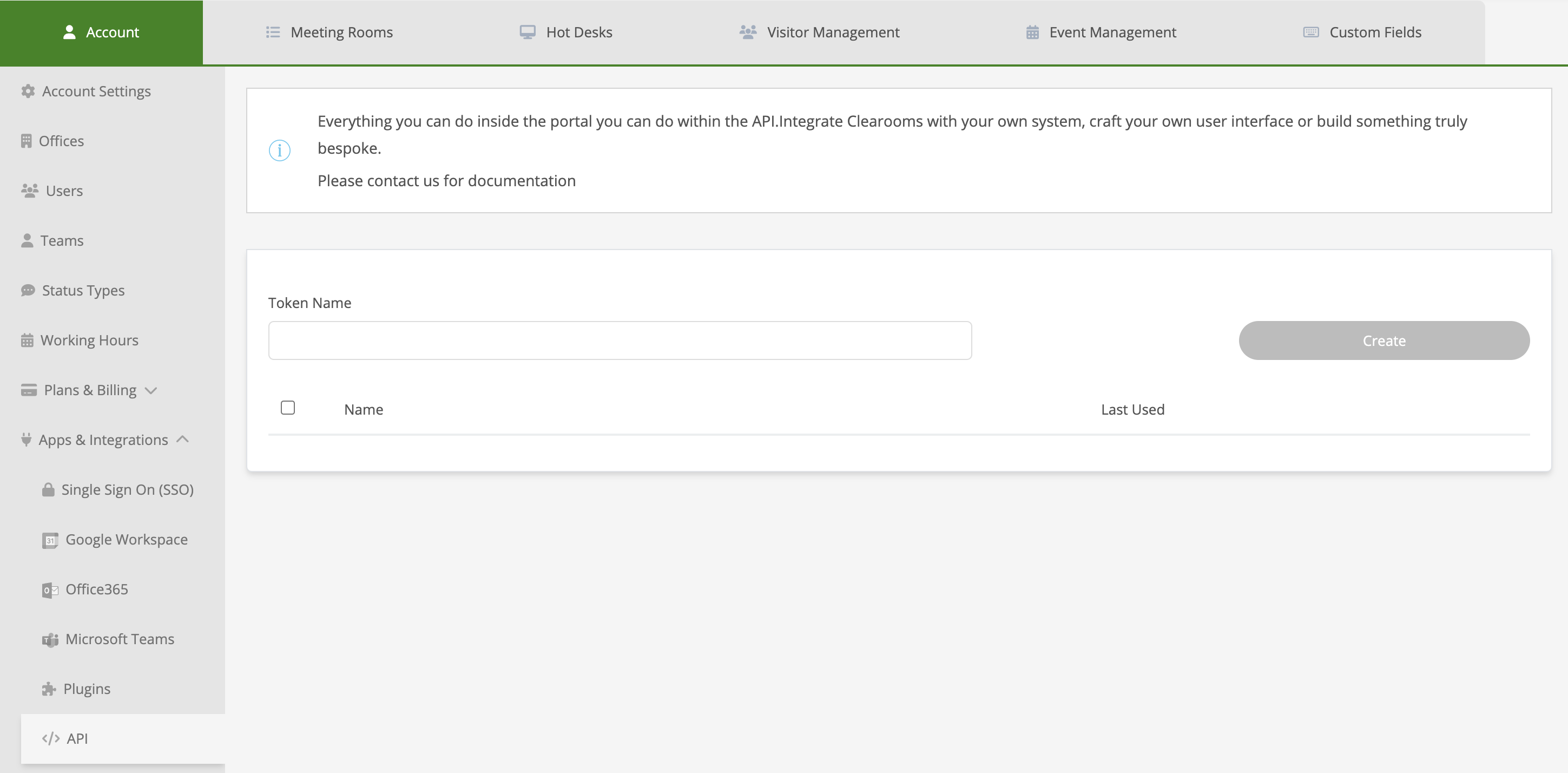
- Sign in to the portal and open Settings → Apps & Integrations → API, or go straight to portal.clearooms.com/settings/account/api.
- Give the token a descriptive name, so you know later what it's for, such as "HR system sync".
- Select Create.
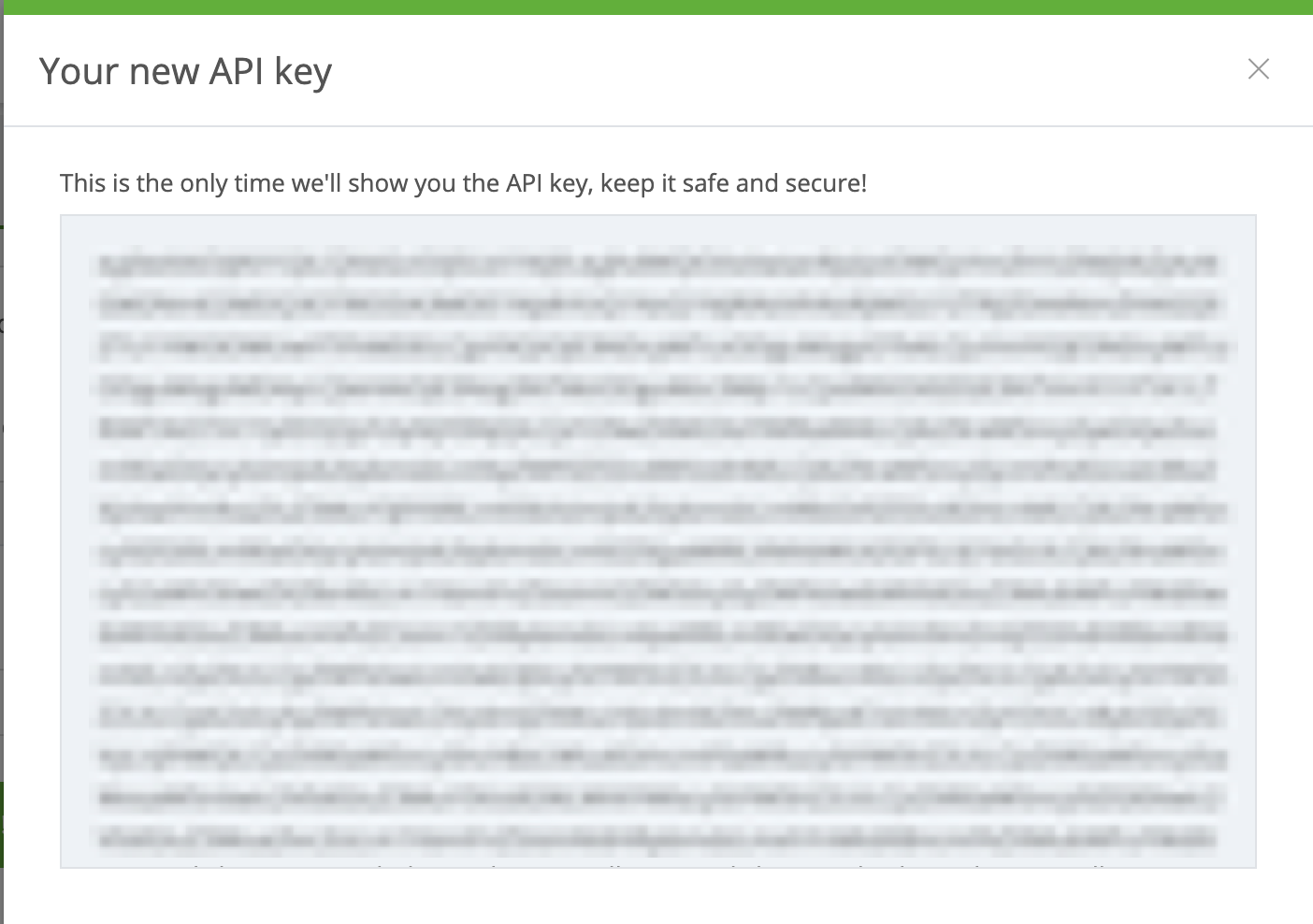
The token is shown once. Copy it and store it somewhere safe, such as your secrets manager.
2. Make your first request
All endpoints live under one base URL:
https://api.clearooms.com/api/v1Send the token as a Bearer token, and ask for JSON. GET /users/me returns the account the token belongs to:
export CLEAROOMS_TOKEN="paste-your-token-here"

curl https://api.clearooms.com/api/v1/users/me \
  -H "Authorization: Bearer $CLEAROOMS_TOKEN" \
-H "Accept: application/json"const res = await fetch('https://api.clearooms.com/api/v1/users/me', {
headers: {
Authorization: `Bearer ${process.env.CLEAROOMS_TOKEN}`,
Accept: 'application/json',
},
});
console.log(await res.json());import os, requests
res = requests.get(
"https://api.clearooms.com/api/v1/users/me",
headers={
"Authorization": f"Bearer {os.environ['CLEAROOMS_TOKEN']}",
"Accept": "application/json",
},
)
print(res.json())3. Book a desk
Find a desk with GET /desks/availability, then book it with POST /bookings:
curl https://api.clearooms.com/api/v1/bookings \
  -X POST \
  -H "Authorization: Bearer $CLEAROOMS_TOKEN" \
  -H "Accept: application/json" \
  -H "Content-Type: application/json" \
  -d '{
    "desk_id": "573657f8-ad17-49eb-95ce-d0f2b8515900",
    "date": "2025-05-08 08:00:00",
    "all_day": true
}'Next steps
- Authentication: scopes, and what a token can do
- Conventions: dates, pagination and errors
- Desk bookings and Meetings
- The API reference, where you can try requests with your token